Checkout sessions
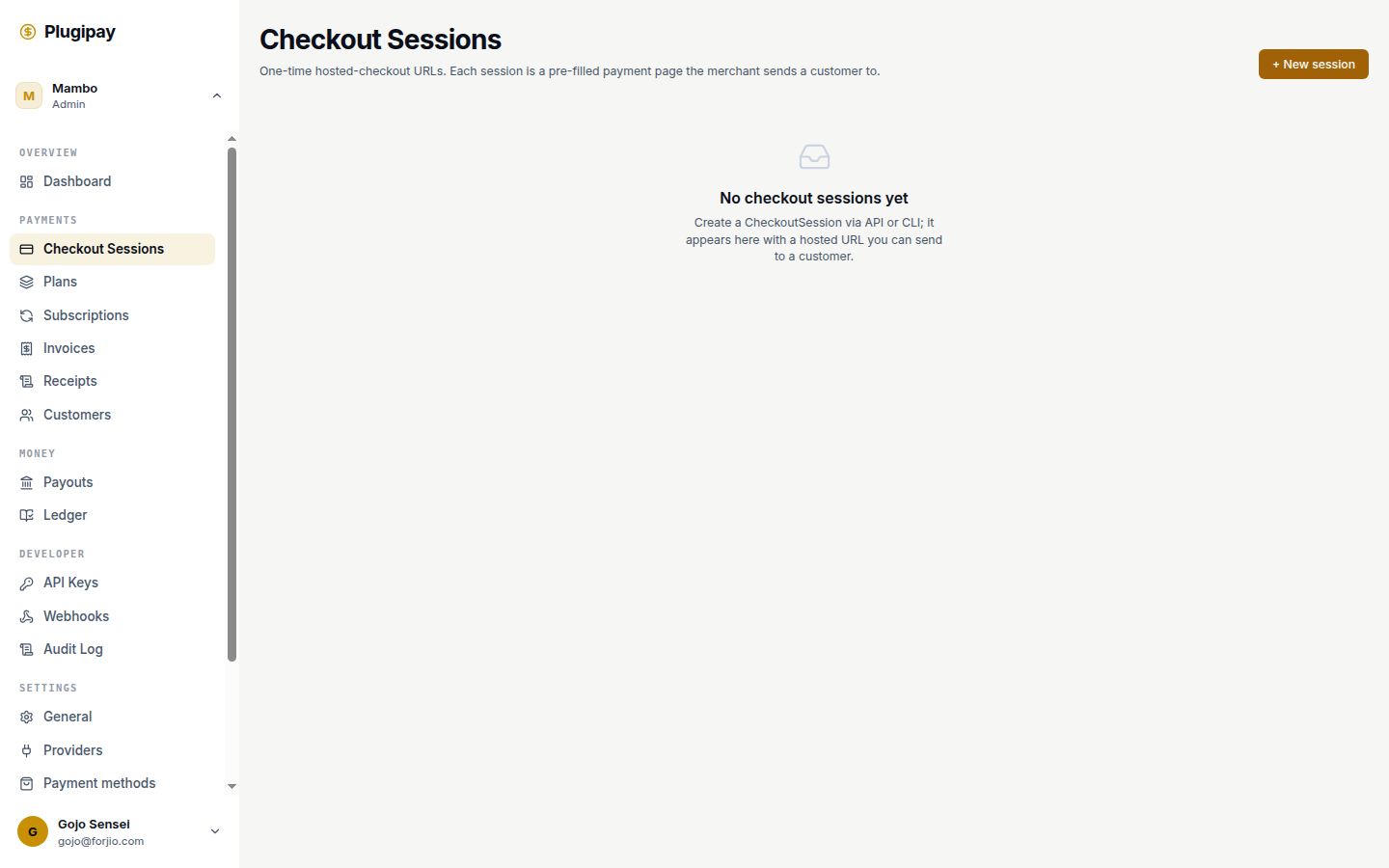
A checkout session is the most direct way to get paid through Plugipay. You create one in the dashboard, copy the hosted URL it gives you, and send it to a customer over email, WhatsApp, or any channel. The customer clicks, picks a method, pays. Plugipay handles provider routing, the success screen, and the receipt.
This page covers the portal flow end to end. For the programmatic equivalent, see API → Checkout sessions — the dashboard form is a wrapper around the same call.
What a checkout session is
A session is a pre-filled, short-lived invitation to pay you. It carries an amount, currency, optional customer, allowed payment methods, a TTL (default 24h), and an optional receipt template.
The session is not a payment — it's the possibility of one. When the customer pays, a separate Payment object is created and linked back via paymentId. See Concepts → Checkout session.
Lifecycle
A session moves through one of these states:
| Status | Meaning |
|---|---|
open |
Created and waiting. The hosted URL is live. |
pending_review |
Customer claims they paid via a manual method (bank transfer); awaiting your confirmation. |
completed |
Payment captured. A Payment record now exists. |
expired |
TTL elapsed before payment. The link still resolves but shows an expiry screen. |
canceled |
Customer hit the cancel button, or you canceled via API. |
Only open and pending_review are interactive. The other three are terminal — once completed, expired, or canceled, a session's status will not change again.
One session, one payment, at most. A successful session resolves to exactly one payment. If you want recurring billing, you want a subscription — the system that creates sessions on a schedule.
Creating a session from the dashboard
Navigate to Dashboard → Checkout sessions and click + New session. The form is split into two panels: Payment (left) and Payment methods (right).
The Payment panel
| Field | Required | Notes |
|---|---|---|
| Amount | Yes | Whole rupiah for IDR (e.g. 150000 = Rp 150.000). Cents for USD (e.g. 1500 = $15.00). Placeholder updates with currency. |
| Currency | Yes | IDR or USD. Toggle pills above the field. |
| Description | No | Free text, stored as metadata. Not shown to the customer — it's a label for the session list. |
| Customer | No | Pick a saved customer or leave as Guest. Attaching means the payment appears in their history. |
| Expires in (hours) | No | Default 24, min 1, max 720 (30 days). After this, the URL serves an expiry screen. |
| Receipt template | No | Which template renders once paid. Blank = workspace default. Manage at Settings → Templates. |
The Payment methods panel
Plugipay shows the methods you've enabled at Settings → Payment methods, grouped by family: QR, E-wallet, Virtual account, Card, Over-the-counter, PayPal. Methods enabled but unavailable on your current provider mix are hidden.
Defaults match your workspace's enabled list, so leaving them alone offers everything you've turned on. Uncheck to narrow. If the panel says "No methods enabled," enable one at Payment methods first — a session with zero methods can't be created.
Submitting
Click Create session. On success you land on the new session's detail page. On failure, the backend error code and message render inline above the form — common ones are validation_error (amount missing or non-positive) and no_methods (you didn't check anything).
Safe to retry. If creation fails partway, click Create session again. The form re-submits with no side effects from the first attempt.
Customizing the hosted checkout page
The hosted page inherits styling from your workspace, not the individual session. Edit Settings → Payment methods / Settings → Business to change:
- Brand name — above the amount.
- Brand logo URL — top-left.
- Brand accent color — primary button and highlights.
- Brand tagline — one-line subtitle under the brand name.
- Business phone / email / address / tax ID — printed on the receipt.
Changes apply immediately to every open session — the hosted page reads settings live, not snapshotted. Avoid theme changes during high-traffic campaigns.
The receipt template is the one piece of customization you can pin per-session, via the dropdown on the create form.
Sharing the URL
After creation, the detail page shows a Hosted checkout link in the Session card. That's the URL you give the customer. Two common patterns:
- Copy + paste into WhatsApp, email, or chat. Short and self-contained.
- Embed in your own app. Render it as a button or auto-redirect after your own confirmation step.
QR-code generation, one-click email-to-customer, and SMS dispatch are on the roadmap but not in the portal yet.
The URL is not secret-bearing. It's a public link — anyone with it can attempt to pay. That's by design. If you share the wrong one, let it expire or cancel via API.
The session detail page
Open any session from the list to see:
Header — amount and currency in large type, status badge, adapter (xenplatform, manual, etc.). Refresh re-fetches while you wait for a webhook.
Session card — audit fields: ID, mode (test/live), customer ID, payment ID once one exists, created/expires/completed timestamps. The Hosted checkout link opens the live page.
Receipt card — appears once status is completed (or pending_review for manual flows):
- PDF download — auth'd PDF for your records.
- View HTML — renders the receipt in a new tab.
- Public link — unauthenticated
/c/{id}/receiptURL for the customer. - ESC/POS 58mm / 80mm — thermal-printer-ready raw bytes.
- Email receipt to — sends the PDF (blank uses the customer's email).
For manual sessions in pending_review, a Confirm payment received button appears in the header. Click after you've verified the offline payment — the session flips to completed, a Payment is created, and the customer is emailed their receipt.
Refunds are issued from the resulting Payment, not the session — follow the Payment ID link to Payments and use the refund controls there. See Refunds.
The list view
Dashboard → Checkout sessions shows the 20 most recent sessions in reverse-chronological order — ID, amount, status, adapter, created and expires timestamps. Click any row for the detail page.
The list is intentionally minimal: no UI filters for status, date range, or customer yet. To find a specific session, use the CLI:
plugipay checkout list --status open --created-after 2026-05-01
A first-class search and filter UI is planned.
Expiring or canceling a session
The portal does not currently expose a manual Expire now button. Sessions expire automatically when their TTL elapses.
To end a session sooner:
- Recommended: create the session with a short TTL (1 hour) and let it expire.
- Or: call
DELETE /v1/checkout-sessions/{id}from the API or CLI — the session moves tocanceledand the hosted URL stops accepting payment immediately.
Either way, in-flight payment attempts started before cancellation are refused at the provider step.
Test mode walkthrough
Sessions created with the Test toggle on (top of the sidebar) are sandboxed — no real money moves, no real provider call goes through.
A typical end-to-end test:
- Confirm the sidebar toggle is on Test.
- Create a session for
IDR 150000with Card enabled. - Open the hosted URL and pay with one of these cards:
| Card number | Result |
|---|---|
4242 4242 4242 4242 |
Success |
4000 0000 0000 0002 |
Generic decline |
4000 0000 0000 9995 |
Insufficient funds |
4000 0027 6000 3184 |
3D Secure required |
Any future expiry (12/30) and 3-digit CVC (123) work.
- Watch the detail page flip from
opentocompleted, the Receipt card render, and apayment.succeededevent appear in Settings → Webhooks → Deliveries.
Test sessions are visible only in test mode — flipping to Live hides them.
Common pitfalls
- TTL set too low. A 1-hour session is unforgiving for customers who open the email later. Default 24 hours unless you have a reason.
- Success / cancel URL mismatches. Dashboard-created sessions use Plugipay's default success and cancel pages. To send the customer back to your app, create the session via API and pass
success_url/cancel_url. The dashboard form does not yet expose those fields. - Currency mistakes. IDR is whole rupiah, USD is cents.
150000in IDR is Rp 150.000; in USD it's $1,500.00. - No methods enabled. Empty right panel = no enabled methods. Fix it at Settings → Payment methods.
- Stale hosted page. If a customer's tab has been backgrounded, ask them to refresh after paying so the success state renders.
- Manual adapter forgot to confirm. Sessions stuck in
pending_reviewneed a human to click Confirm payment received — they don't auto-complete.
One-time vs recurring
A checkout session captures one payment. For monthly billing, you want a Plan and a Subscription, not a checkout session.
The two can be combined — use a checkout session as the first charge in a subscription flow, saving a card the subscription bills against later. Documented at Subscriptions → First-charge checkout.
Next
- Customers — attach sessions to identities you can charge again later.
- Payments — the records a completed session produces.
- Templates — customize the receipt your customer downloads.
- Payment methods — turn methods on/off and brand the hosted page.
- API → Checkout sessions — the programmatic equivalent of everything on this page.