Plans
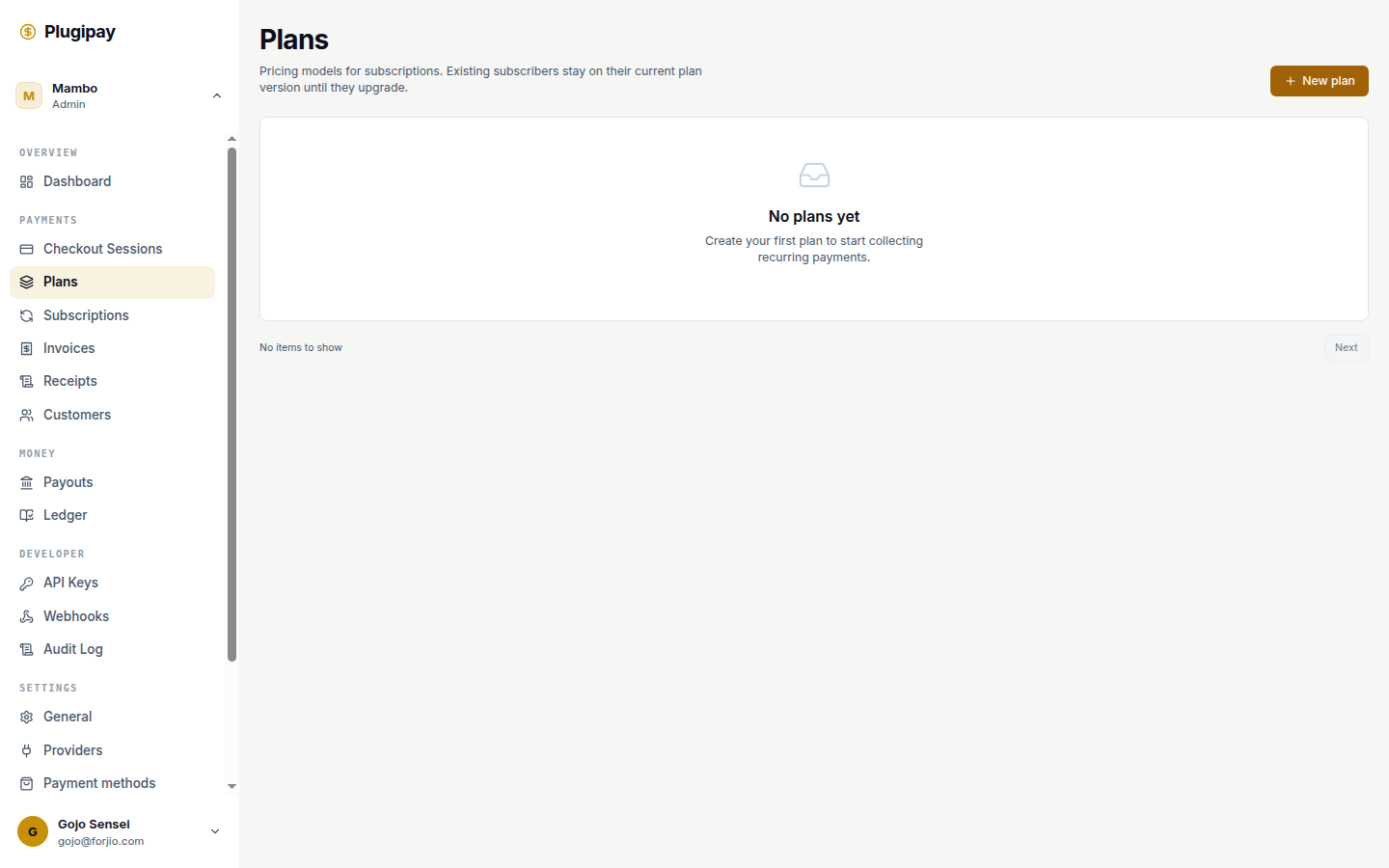
A plan is a recurring offer template — "Pro, IDR 299,000/month" or "Team, USD 49/month with a 14-day trial". Create a plan once, reuse it every time a customer subscribes.
A plan doesn't bill anyone on its own. To charge money, a customer needs a subscription that references the plan. The plan is the menu item; the subscription is the order.
Plans live at plugipay.com/dashboard/plans.
Plan vs. subscription. A plan is the offer ("IDR 299k/month"); a subscription is one customer's instance of it ("Alice is on Pro, renews on the 14th"). One plan can back thousands of subscriptions.
Creating a plan
Click New plan on the plans list, or go to /dashboard/plans/new. The form has three cards on the left and a live preview on the right.
Basics
- Plan name. Shown in the dashboard, on checkout, and in the customer portal. Keep it short — "Pro", "Team", "Studio Annual". You match plans programmatically by ID, not name.
- Description. Optional one-liner. Appears under the plan title on hosted checkout and the customer portal.
Pricing
- Model.
Flatis standard — same amount every interval.TieredandUsageexist for graduated and metered billing; only how the amount is computed at invoice time differs. - Amount. Price per interval, in display units (
299000forIDR 299,000;4900forUSD 49.00). - Currency. ISO 4217 code —
IDR,USD,SGD, etc. One currency per plan; see Multi-currency plans. - Billing interval.
week,month, oryear. (The API also supportsdayfor testing; the portal hides it.) - Interval count. How many intervals between charges.
1 monthis monthly,3 monthis quarterly,1 yearis annual.
The preview card on the right updates as you type, so you can sanity-check the price string customers will see.
Trial & portal features
- Offer 14-day free trial. New subscriptions start in
trialingfor 14 days before the first charge. - Smart retry (dunning). Apply smart-retry on failed renewals instead of failing once and giving up.
- Proration on upgrade/downgrade. Enables upgrade/downgrade buttons in the customer portal. Mid-cycle changes credit unused time on the old plan against the new plan's first invoice.
- Pause & resume. Lets customers pause from the portal. While paused, no invoices are generated and the period clock stops.
Click Create plan. The plan is published immediately and ready to attach to subscriptions.
Plans are versioned. Every time you save changes to a plan, Plugipay snapshots the new version under the same plan ID. Existing subscribers stay on the version they signed up under until they (or you) explicitly upgrade them. The dashboard always shows the latest version.
The plan list
The list at /dashboard/plans shows every plan in the active workspace as a grid of cards. Each card shows the name, ID, price, currency, interval, and trial length if any. Archived plans get an archived tag.
Pagination uses cursor-based Next / First page controls; plans are sorted by creation time.
The list is workspace-scoped. If you don't see a plan, check the workspace switcher and the test/live toggle — test-mode plans don't appear in live, and vice versa.
Editing a plan
Some fields can be edited safely. Others can't — or rather, they can, but editing them creates a new version of the plan and leaves existing subscriptions on the old one.
Safe to change without affecting subscribers:
- Name — cosmetic; existing subscribers see the new name on their next invoice.
- Description — cosmetic.
- Portal features (proration, pause/resume, etc.) — takes effect immediately.
- Trial length — applies to new subscriptions only; existing trialing subscribers keep the trial they started.
- Smart retry flag — takes effect on the next failed charge.
Creates a new plan version — existing subscribers stay on the old one:
- Amount (the price)
- Currency
- Billing interval (week/month/year)
- Interval count
This is intentional. If editing the amount on "Pro at IDR 299k/month" suddenly billed existing subscribers IDR 399k, that's a surprise charge — the kind that triggers chargebacks. Plugipay separates "the new offer" from "migrate Alice to the new price" so you choose your moment per subscriber.
To migrate a subscriber to a new version, open the subscription and use Change plan.
Archiving a plan
Open the plan and choose Archive. An archived plan:
- Is hidden from checkout — no new subscriptions can be created against it.
- Is filtered out of the default list (toggle Show archived to see them).
- Keeps billing every existing subscription against it, as if nothing changed.
Archiving is reversible. There's no "delete plan" action — plans are kept forever for audit and reconciliation.
Archive is not cancel. Archiving a plan stops new signups; it does not cancel existing subscriptions. To stop billing existing subscribers, cancel each subscription individually (or in bulk from the Subscriptions page).
Multi-currency plans
Plugipay does not auto-convert. A plan has exactly one currency. To offer Pro in both IDR and USD, create two plans — Pro IDR and Pro USD — and present the right one by region.
Most teams link the pair by setting matching metadata.product = "pro" on both, so invoices and reports can be grouped across currencies later.
Trial periods
A trial is a window at the start of a subscription where no charge is made and the status is trialing. When it ends, Plugipay attempts the first charge automatically.
- The trial length on the plan is the default; override it per-subscription at signup.
- A trial is not a discount — the first invoice after trial is the full amount. For a discounted first period, use a coupon (see Templates).
- For no-card trials, create the subscription without a payment method and attach one before the trial ends.
- The
trial_will_endwebhook fires three days before expiry — use it to remind customers to confirm their card.
How plans connect to the rest
- Subscriptions reference a plan by ID. The subscription owns the customer, payment method, and current period; the plan owns price and frequency.
- Invoices are generated from the plan's amount and interval at each renewal. Each line item snapshots the plan version it was billed under, so you can always trace an invoice back to the price the customer agreed to.
- Checkout sessions can create a subscription directly: pass
plan_id, and hosted checkout collects a card, creates the customer, and attaches the subscription in one step.
Common pitfalls
- Bumping price on a live plan and expecting all subscribers to migrate. They won't — existing subs stay on the old version. To raise prices for everyone, change each subscription to the new version.
- Currency typo'd into the amount.
49and49000look similar but one is USD 49.00 and the other is IDR 49,000. The preview card is the easy check. - Archiving and expecting existing billing to stop. Archive blocks new signups only. To stop existing billing, cancel the subscriptions.
- One plan per customer for custom pricing. Don't. Use a single plan with metadata plus per-subscription price overrides. A workspace cluttered with 200 single-use plans is unreadable.
Next
- Subscriptions — create, change, pause, and cancel subscriptions against a plan.
- Invoices — the per-cycle billing record.
- Concepts → Plan — data-model reference.
- Templates — coupons and tax rates that compose with plans.