Payouts
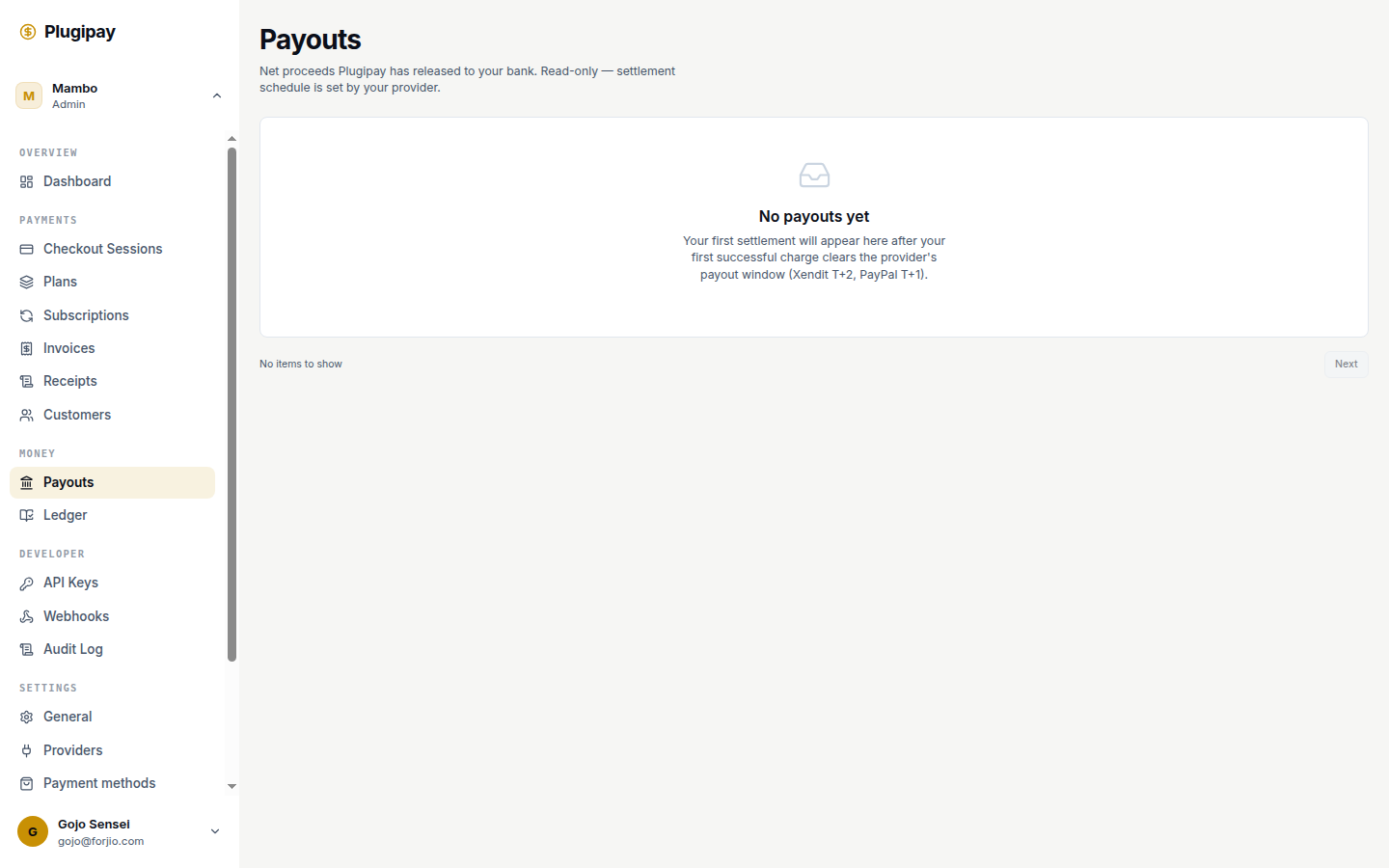
A payout is the moment money leaves Plugipay's balance and lands in your bank account. Every successful charge sits in your provider's settlement balance for a while before release — the Payouts page (Dashboard → Payouts) is where you watch that release, reconcile against your bank statement, and notice when something goes wrong.
Payouts are read-only. The settlement schedule itself is set by your payment provider (Xendit, Midtrans, PayPal, or Plugipay's managed processor) — not by Plugipay. We surface what the provider tells us via settlement webhooks; we don't decide when money moves.
What's in a payout
A single payout bundles every cleared payment in a given currency that fell inside its settlement window, minus fees and refunds settled in the same window. 47 IDR charges on Monday minus one Tuesday refund might show up as Wednesday's payout: one bank transfer, one statement line, 46 underlying payments. The amount on the row is the net that will hit your bank — fees and refunds are already subtracted.
Schedule: daily, weekly, monthly
Most providers offer three cadences, picked per currency:
- Daily — one payout per business day. Predictable cash flow.
- Weekly — one payout per week on the day you choose. Fewer statement lines.
- Monthly — one payout on a fixed day each month. Quietest reconciliation, longest gap.
You set the cadence at Settings → Payment methods → Payout schedule, separately per connected provider. New workspaces default to daily in managed mode and inherit whatever your BYO provider has configured otherwise.
Faster isn't always better. A daily schedule means smaller, more frequent transfers — which can mean more bank-side fees if your bank charges per inbound wire. Match cadence to how your bank prices receivables.
When the money actually arrives
Each payment has a settlement clock that starts when the charge succeeds:
- Cards (managed mode): typically T+1 — eligible to pay out one business day after the charge clears.
- International cards and cross-border methods: typically T+2.
- Bank transfers, e-wallets, virtual accounts (Indonesia): same-day or T+1 depending on the rail.
- BYO providers: whatever Xendit, Midtrans, or PayPal quotes you directly.
These are the provider's terms, not Plugipay's. We don't hold funds beyond what the upstream processor requires. The Arrival column is the date your bank should receive the wire — usually the same day the payout is created, occasionally the next business day for international destinations.
The list view
The payouts table has six columns: Amount, Adapter, Destination, Status, Arrival, Created. Filter by:
- Status —
pending(queued),in_transit(sent, not yet arrived),paid,failed(returned by the bank),canceled(rare, usually a recall). - Date range — by created or arrival date; the toggle is above the table.
- Currency — process in IDR and USD, you'll see two separate streams.
- Adapter — which provider settled this payout (Xendit, Midtrans, PayPal, or Plugipay's managed processor).
Click any row to open its detail page.
The detail page
The detail page shows:
- Net, gross, fees — gross minus fees equals net.
- Included entries — the full list of payments and refunds bundled into this payout. Click an entry to jump to its payment record.
- Destination — the bank account that received the money, masked to the last 4 digits.
- Provider reference — the upstream payout ID (e.g., Xendit
disb-…). Your bank's wire memo will reference this value. - Timeline — created → in transit → paid (or failed), with timestamps.
If the payout failed, the timeline includes the failure reason from the bank or the provider.
When a payout fails
Failures are uncommon but real. Usual causes: wrong account number after an edit, account closed, name mismatch (Indonesian banks strictly enforce this), daily inbound limit exceeded, or the provider holding funds for risk review.
When it happens:
- The payout's status flips to
failedand apayout.failedwebhook fires. - The funds go back to your provider's settlement balance — they're not lost.
- We email workspace owners and surface a banner at the top of the Payouts page.
- Once you fix the underlying issue (typically by updating your bank account), the funds re-enter the normal schedule on the next cycle.
If the failure was the provider's fault and you need it expedited, email hello@plugipay.com with the payout ID.
Manual payouts
To skip the wait for the next scheduled cycle, click Create payout in the top-right of the Payouts page. We release whatever is in your settlement balance for the selected currency, subject to a minimum threshold (usually IDR 100,000 or USD 10 equivalent) and the provider's off-schedule policy — most allow one manual payout per day; some BYO providers don't allow any.
Manual payouts still arrive on the same T+1 / T+2 timeline — "manual" controls when it's released, not how fast the bank moves.
Changing the destination bank
Destination accounts are configured at Settings → Payment methods, not on the Payouts page. Add bank details (account number, name, bank code); Plugipay or your BYO provider sends a small verification deposit, or in some cases requires a statement upload. Once verified, future payouts route to the new account; in-transit payouts keep their old destination.
Changing the destination doesn't retroactively reroute anything — it's effective for payouts created after the change.
Currency handling
Each currency has its own settlement balance and payout stream. IDR payments accumulate into an IDR balance and pay out to your IDR account; USD payments accumulate into USD and pay out to your USD account (or, if you don't have one, the provider converts at settlement).
Plugipay never converts currencies itself — if conversion happens, the provider does it, and the rate appears on the detail page.
Reconciling to your bank statement
Match a Plugipay payout to a bank deposit by finding the deposit on your statement with the matching amount and date, cross-referencing the wire memo (it contains the provider reference from the payout detail page), and opening the payout in Plugipay — the included-entries list is your audit trail for what's in the lump sum.
For accounting integrations, Reports → Payouts CSV exports one row per payout with all reconcilable fields.
Common pitfalls
- Cutoff times. Most Indonesian banks have an afternoon cutoff (usually 14:00 or 15:00 WIB). Payouts created after cutoff arrive the next business day.
- Weekends and holidays. Banks don't process Saturdays, Sundays, or Indonesian national holidays — a Friday-afternoon payout may not arrive until Monday or Tuesday.
- Minimum thresholds. If your settlement balance is below the minimum (usually IDR 100,000), the payout is deferred until the balance crosses the threshold — not failed.
- Refunds eating into a payout. A refund settled the day before a payout reduces that payout's net. Big enough refund and the payout is zero or negative, deferred to the next cycle.
- Adapter switch in flight. When you change BYO providers, the old provider's balance keeps paying out on its old schedule until empty. Watch both streams during a switchover.
Next
- Settings → Payment methods — configure bank accounts and payout schedule.
- Pricing — how fees come off the top before settlement.
- Reports → Fees — the other side of the same coin: what Plugipay charged you per period.
- Webhooks — subscribe to
payout.created,payout.paid, andpayout.failedevents.