Webhooks
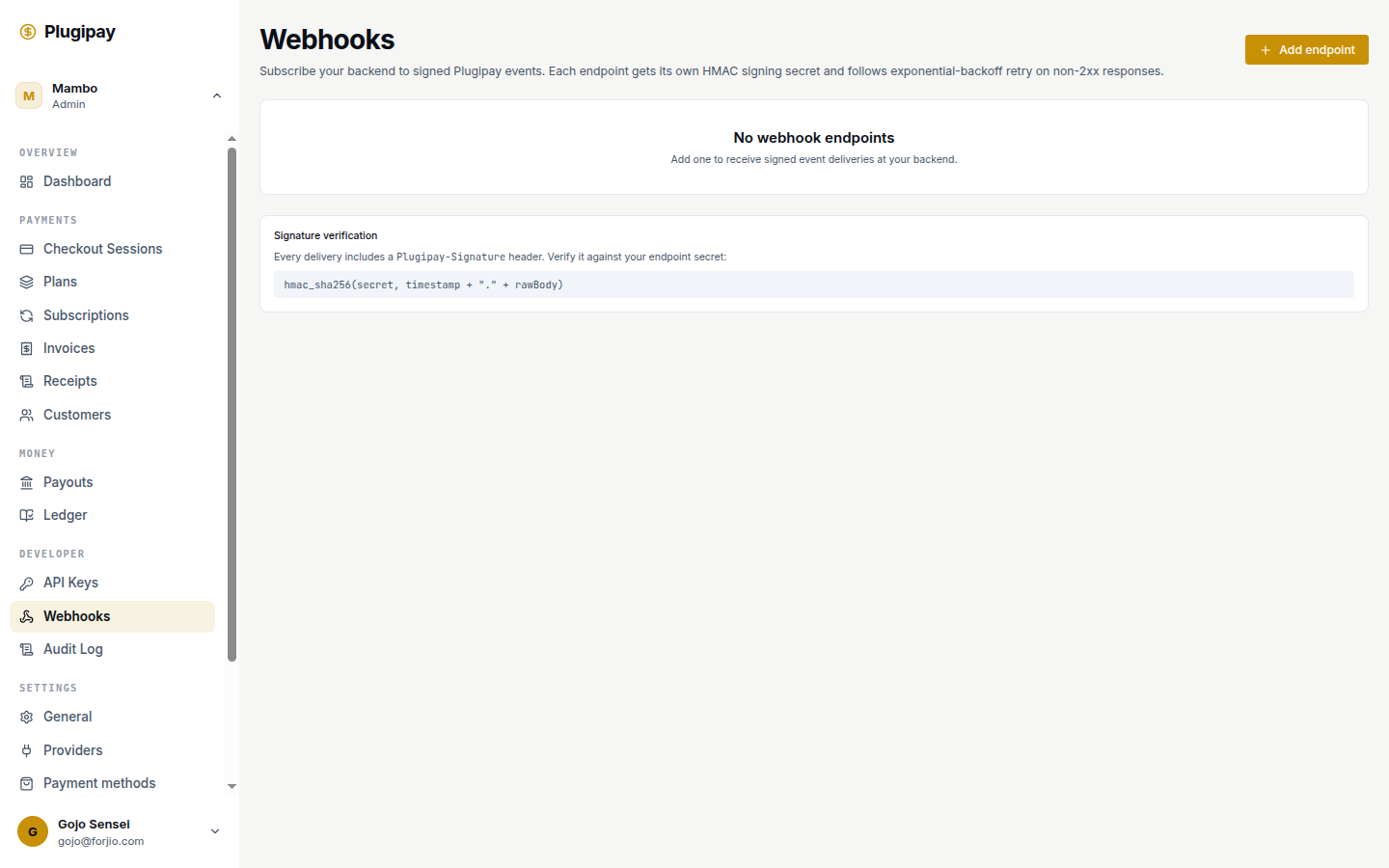
A webhook endpoint is a URL you control that Plugipay POSTs events to when something happens in your workspace — a payment succeeds, a subscription renews, a refund settles. The dashboard is for humans watching activity; webhooks are for your backend reacting to it.
Webhooks live at plugipay.com/dashboard/webhooks.
Why not just poll? Polling for new payments works, but it's wasteful and laggy. A webhook fires within a second and tells you exactly what changed. Save polling for reconciliation jobs.
Adding an endpoint
Click Add endpoint at the top right. The dialog has two fields.
- Endpoint URL. The HTTPS URL Plugipay will POST to. Must be reachable from the public internet. We don't deliver to plain
http://outside test mode, nor to private IPs orlocalhostever — for local dev, use the CLI tunnel below. - Events to listen for. Checkboxes, one per event type. Tick only what your handler cares about; unticked events are filtered server-side. There's a Select all shortcut.
You must select at least one event. Click Add endpoint and Plugipay returns the signing secret in an amber callout at the top of the page.
The signing secret
The signing secret is shown once, at creation, in a copy-to-clipboard box with the message "Save this signing secret now — it won't be shown again." Save it to your secret store before navigating away. The portal does not let you re-display it. If you lose it, rotate (see below) and update your handler.
The secret is what makes a webhook trustworthy. Without it, anyone who guesses your endpoint URL can POST fake events — "payment succeeded, ship the goods" — and your handler has no way to tell. Plugipay signs every event with HMAC-SHA256:
hmac_sha256(secret, timestamp + "." + rawBody)
The timestamp and HMAC arrive in a single Plugipay-Signature header. The SDK's verifyWebhook() helper handles the math — see the first payment tutorial for the full handler example.
The secret is not the endpoint ID.
whep_…identifiers are public and appear in URLs and logs. The signing secret is opaque, ~64 characters, and never travels in URLs. Don't confuse them.
The event catalog
Plugipay emits events for every meaningful state change: checkout sessions completing, payments succeeding or failing, refunds settling, subscriptions renewing or going past due, invoices being paid. The portal's event picker is the curated subset most integrations care about; API → Webhooks has the complete catalog with payload schemas.
The endpoint list
Below the Add endpoint button you'll see all webhook endpoints in this workspace, one row per endpoint with URL, a truncated preview of subscribed events (first three plus a +N counter), creation date, and a status pill:
- Active — healthy, receiving deliveries.
- Disabled — you turned it off manually. No deliveries until re-enabled.
- Errored — Plugipay disabled it automatically after the retry window expired (see below).
Click any row to open the detail view.
Endpoint detail
The detail page is where you debug a misbehaving endpoint. The top shows the URL, subscribed events, and the active/disabled toggle. Below that, two sections.
Recent deliveries
A reverse-chronological list of the last 100 delivery attempts. Each row shows the event type and ID (evt_…), the HTTP status code your server returned, the timestamp, and the response time. A green dot means a 2xx; amber means a 4xx; red means a 5xx, a connection error, or a timeout. Click any row to expand the full request — headers, body, response body — for diagnostics.
Retrying manually
Any failed delivery has a Retry button. Clicking it queues the same event for immediate redelivery, regardless of where the automatic retry schedule has it. Useful when you've fixed a bug in your handler and want to replay events you missed, or you want to drain a backlog faster than the natural cadence after re-enabling an endpoint.
Manual retries don't reset the automatic schedule — they're independent attempts running in parallel.
Retry policy
When your endpoint returns a non-2xx status or fails to respond, Plugipay retries with exponential backoff for up to three days — roughly at 1 min, 5 min, 30 min, 2 hr, 6 hr, 12 hr, 24 hr, 48 hr, 72 hr after the first failure.
After 72 hours, the delivery is marked permanently failed and we stop. If multiple deliveries fail in a row, the endpoint flips to Errored and we suspend new deliveries until you fix the receiver and re-enable, or delete the endpoint.
5xx responses get retried. 4xx responses do not, except 408 and 429. A 4xx tells us your endpoint understood and rejected on purpose; replaying won't help. A 5xx tells us your server is down; we wait. To permanently reject a class of events, return 410 Gone.
Disabling without deleting
The detail view has an Active toggle. Flip it off and Plugipay stops POSTing to that URL but keeps the endpoint record and configuration intact. Flip it back on later and deliveries resume.
Use this for maintenance windows, planned outages, or while you're debugging the receiver and don't want a flood of retries piling up. Disabling an endpoint does not clear its retry queue — pending retries pause and resume when you re-enable.
Testing endpoints
The detail page has a Send test event button. Click it, pick an event type from the dropdown, and Plugipay generates a fake payload (with livemode: false and id: evt_test_…) and delivers it exactly as a real event would, signature included.
This is the fastest way to confirm your handler is wired up before you take a real payment. Test events appear in the recent-deliveries list with a Test badge so you can distinguish them from production traffic.
Rotating the signing secret
The detail view has a Rotate secret action. Rotating issues a new secret while keeping the old one valid for 24 hours. During the overlap, Plugipay signs each event with both secrets and presents them comma-separated in the Plugipay-Signature header; your handler accepts a match against either.
The rollout:
- Click Rotate secret. Copy the new secret — same one-shot reveal as creation.
- Deploy your handler with both old and new secrets configured. The SDK accepts an array.
- Once the deploy is live, drop the old secret. After 24 hours, Plugipay stops signing with it anyway.
No deliveries fail during rotation because every event in the window is signed with both keys.
Local development
You can't point a Plugipay webhook at localhost. Use the CLI instead:
plugipay webhooks listen --forward-to http://localhost:3000/webhooks/plugipay
The CLI opens a long-lived connection to Plugipay, subscribes to your workspace's events, and forwards each one to the local URL. It prints every delivery to the terminal with the event type and your handler's response. The CLI uses an ephemeral signing secret printed on startup — set it as your local PLUGIPAY_WEBHOOK_SECRET and signature verification works identically to production.
See CLI → Webhooks for filters, replay, and output formats.
Common pitfalls
- Slow endpoints. Plugipay times out a delivery at 15 seconds. If your handler does heavy work synchronously — sending email, calling a third-party API, generating a PDF — it'll time out and trigger a retry, possibly causing duplicate work. Acknowledge fast (200 within a second) and queue heavy work onto a background job.
- Signature verification failures. The most common cause is reading the body as parsed JSON instead of raw bytes. The signature is computed over the exact byte string Plugipay sent; reserialising through
JSON.parse→JSON.stringifychanges whitespace and breaks the HMAC. Useexpress.raw()or your framework's equivalent. - Returning 5xx for application errors. If your handler rejects because the customer doesn't exist in your DB, returning 500 makes Plugipay retry for three days. Return 200 (with a logged warning) for ignorable cases; reserve 5xx for "my server is broken".
- Forgetting idempotency. Retries mean the same event may arrive more than once. Key on the event ID (
evt_…) and skip duplicates.
Next
- API → Webhooks — the full event catalog and signature scheme.
- First payment — end-to-end handler walkthrough.
- CLI → Webhooks —
webhooks listenandwebhooks replay. - API keys — the other half of your server-to-server integration.